How to Choose the Best POS System for Your Business in Sri Lanka
Running a business involves much more than simply recording sales. You need to know what is selling, how much stock is available, what customers owe, how the business is performing, and whether the information in your system is accurate.
A modern Point of Sale (POS) system can bring these operations together and give business owners better visibility over their day-to-day activities.
But not every POS system is suitable for every business.
In this guide, we'll look at what Sri Lankan businesses should consider when choosing a POS system and which features can make the biggest difference as the business grows.
What Is a POS System?
A Point of Sale system is software used to process and record sales transactions.
Modern POS platforms can go far beyond billing. Depending on the system, they may also help businesses manage:
- Sales and invoices
- Inventory
- Purchases
- Customers
- Suppliers
- Payments
- Expenses
- Accounting
- Multiple branches
- Business reports
For a growing business, having these functions connected can be significantly more useful than maintaining separate spreadsheets and applications.
Why Choosing the Right POS System Matters
A POS system becomes part of your everyday business operations.
Choosing a system that does not fit your workflow can result in additional manual work, inaccurate stock information, limited reporting, and difficulty expanding the business later.
A good POS system should make operations simpler rather than creating another layer of complexity.
Here are some of the most important things to consider.
1. Inventory Management
Inventory management should be one of the first features you evaluate.
Your POS system should make it easy to understand:
- Current stock levels
- Products sold
- Products purchased
- Stock movements
- Low-stock items
- Product costs
- Available quantities
When sales and inventory are connected, stock levels can be updated automatically as transactions occur.
This reduces manual stock updates and gives business owners a clearer picture of what is happening across the business.
2. Sales and Invoicing
Billing should be fast and simple for employees to use.
Look for capabilities such as:
- Fast sales entry
- Invoice generation
- Cash and credit sales
- Customer selection
- Discounts
- Multiple payment methods
- Sales returns
- Receipt printing
The system should also maintain a reliable transaction history so previous sales can be found when needed.
3. Accounting Integration
One common challenge businesses face is maintaining sales in one system and accounting records somewhere else.
A more integrated system can connect operational transactions with financial records.
Depending on your business requirements, useful capabilities may include:
- Income tracking
- Expense management
- Customer receivables
- Supplier payables
- Ledgers
- Profit reporting
- Cash and bank transactions
- Financial reports
This reduces duplicate data entry and can provide better visibility into business performance.
4. Customer and Supplier Management
A good business management platform should help you understand more than individual transactions.
Customer management can help businesses maintain information such as purchase history, outstanding balances, and previous transactions.
Supplier management can similarly help track purchases, payments, balances, and supplier history.
Having this information connected to your sales and purchasing workflows makes daily management easier.
5. Reporting and Analytics
Business owners should not have to manually calculate everything from spreadsheets at the end of the month.
Look for a POS system that provides useful reports and dashboards for areas such as:
- Daily sales
- Monthly sales
- Product performance
- Inventory
- Purchases
- Expenses
- Customer balances
- Supplier balances
- Profitability
Good reporting turns the data collected by your POS system into information you can actually use when making business decisions.
6. Multi-Branch Support
If you operate more than one location—or plan to in the future—consider multi-branch functionality from the beginning.
A scalable system should be able to support separate inventory and transactions for different locations while still allowing authorized users to view the wider business.
Choosing a scalable platform early can prevent the need to replace your entire system as your company expands.
7. User Roles and Permissions
Not every employee should have access to every part of your business system.
For example, a cashier may need access to sales while a manager may require reporting, inventory, and financial information.
Role-based permissions help businesses control who can access sensitive information and perform important operations.
8. Hardware Compatibility
If your business operates from a physical location, consider the hardware you already use or intend to purchase.
Depending on your setup, this may include:
- Barcode scanners
- Thermal receipt printers
- Cash drawers
- Desktop computers
- Laptops
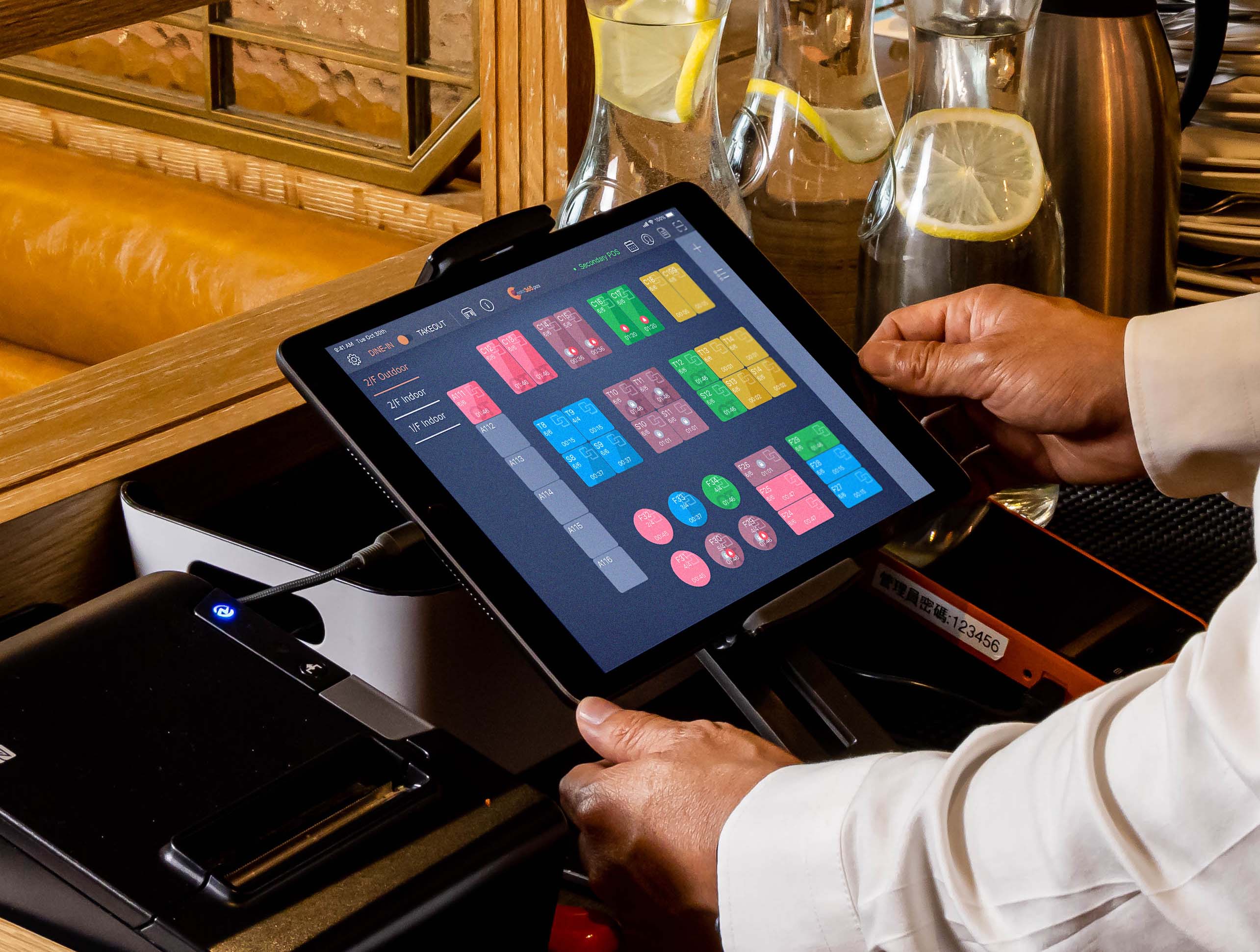
- Tablets
Ask whether the POS system supports the hardware your business actually needs before making a decision.
9. Cloud vs Offline POS Systems
Cloud-based POS systems allow businesses to access their information through the internet from supported devices.
This can be particularly useful for owners who want to monitor their business remotely or operate multiple locations.
Offline capability can also be important in environments where internet connectivity is unreliable.
The right choice depends on how your business operates, so consider both accessibility and continuity when evaluating a system.
10. Support and Maintenance
Software is not just a one-time purchase.
Businesses may eventually need:
- Technical support
- Employee training
- Bug fixes
- Security updates
- New features
- Data assistance
- System maintenance
Before selecting a POS provider, understand what happens after the system is installed.
Reliable support can be just as important as the software itself.
11. Ability to Grow With Your Business
The POS system you need today may not be the system you need three years from now.
Consider whether the platform can support:
- Additional users
- New branches
- More products
- Increased transaction volumes
- Additional reports
- New business processes
- Integrations with other systems
Scalability reduces the likelihood of having to migrate to another platform as the business grows.
Questions to Ask Before Choosing a POS System
Before making a decision, ask the provider:
- Does the system support my type of business?
- Can it manage inventory in real time?
- Does it support cash and credit sales?
- Can I manage customers and suppliers?
- What reports are available?
- Does it support multiple branches?
- What happens if the internet connection is unavailable?
- Which POS hardware is supported?
- How are backups handled?
- What support is available after implementation?
- Can the system be customized as my requirements change?
- Are there additional setup, support, hosting, or upgrade costs?
The answers will help you compare systems based on business requirements rather than price alone.
Introducing StockBooks
StockBooks is a business management platform developed by Virtatech that brings key business operations into one system.
It is designed to help businesses manage areas including:
- POS and sales
- Inventory
- Purchases
- Customers
- Suppliers
- Accounting
- Payments
- Multi-branch operations
- Business reporting
Instead of maintaining disconnected tools for different parts of the business, StockBooks provides a centralized platform for managing day-to-day operations.
If you're currently evaluating POS or inventory management software for your business, you can explore StockBooks and decide whether its capabilities match your requirements.
Final Thoughts
The best POS system is not necessarily the one with the longest feature list or the lowest price.
It is the system that fits the way your business operates today while giving you enough flexibility to grow tomorrow.
Before choosing a platform, understand your workflow, identify the problems you want to solve, and compare solutions based on inventory management, reporting, accounting integration, scalability, usability, and support.
Taking the time to choose the right system can make managing your business significantly easier as it grows.

The Virtatech Editorial Team writes about software engineering, business technology and product strategy — informed by real projects delivered to clients worldwide.